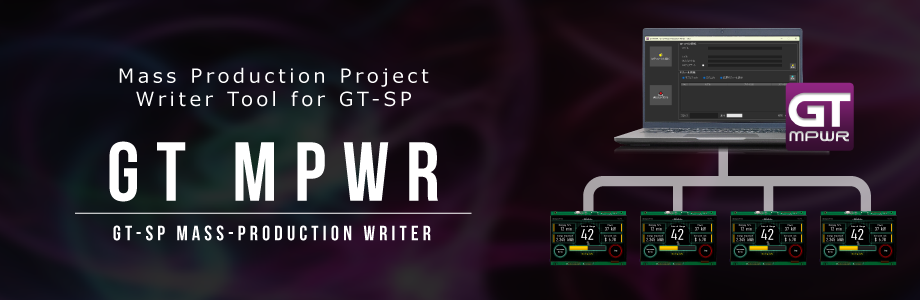
MP Project Writer Tool for GT-SP [GT MPWR] GT-SP Project Writing Tool for Mass Production

[GT MPWR] is a mass-production writing tool designed to simultaneously register projects created in GT Design Studio onto TFT modules (16 pcs. max). By connecting multiple GT-SP Touch TFT modules to a PC via USB cables, you can perform batch writing of both projects and firmware.
Download
Update: 12-25-2025 Ver. 1.0.0
System Requirements:
- Compatible product: TFT/LCD Touch Screen Modules GT-SP
- OS: Windows 11
How to use:
Preparation of Mass Production Project (MP File)
- Open the project in GT DESIGN STUDIO.
- Click the Options button located at the far right of the top toolbar.
- Select Create MP File and click the Generate button.
- An MP file (ZIP format) will be generated.
Writing Mass the Production Projects (MP Files)
- Download and Install: Download “GT MPWR” and install it on your PC.
- Launch: Start the “GT MPWR” application.
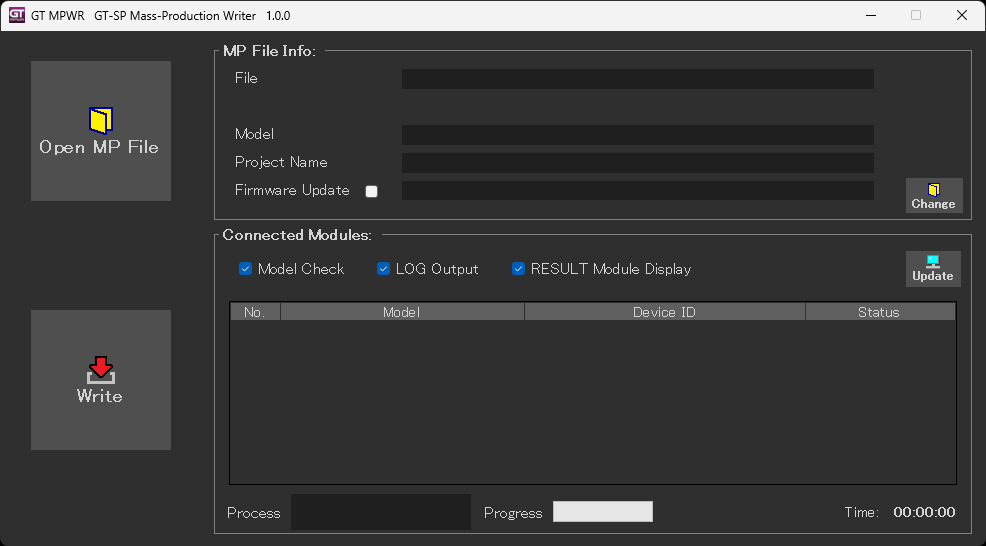
- Select Project: Click the “Open MP File” button to select the MP file (ZIP format) you wish to write to the TFT modules.
- Select Firmware (Optional): If you need to change the firmware version, click the “Change” button and select the appropriate file.
- Connect Hardware: Connect the TFT modules to the PC using USB cables. (Multiple units can be connected simultaneously using a USB hub.)
- Power On: Turn on the power for all connected TFT modules.
- Check Connection: Click the “Update” button to verify the connection status between the PC and the TFT modules.
- Execute Writing: Click the “Execute Writing” button to begin transferring the project and/or firmware.
- Verify the results by checking both the tool screen on your PC and the TFT display on the modules.
- Complete Process: Turn off the power to the TFT modules and disconnect them to complete the process.
- Repeat: Repeat steps 5 through 10 for subsequent batches.
Screenshots:
Tool Interface