Featured Articles
11/12/2022 Getting Started with GT-CP
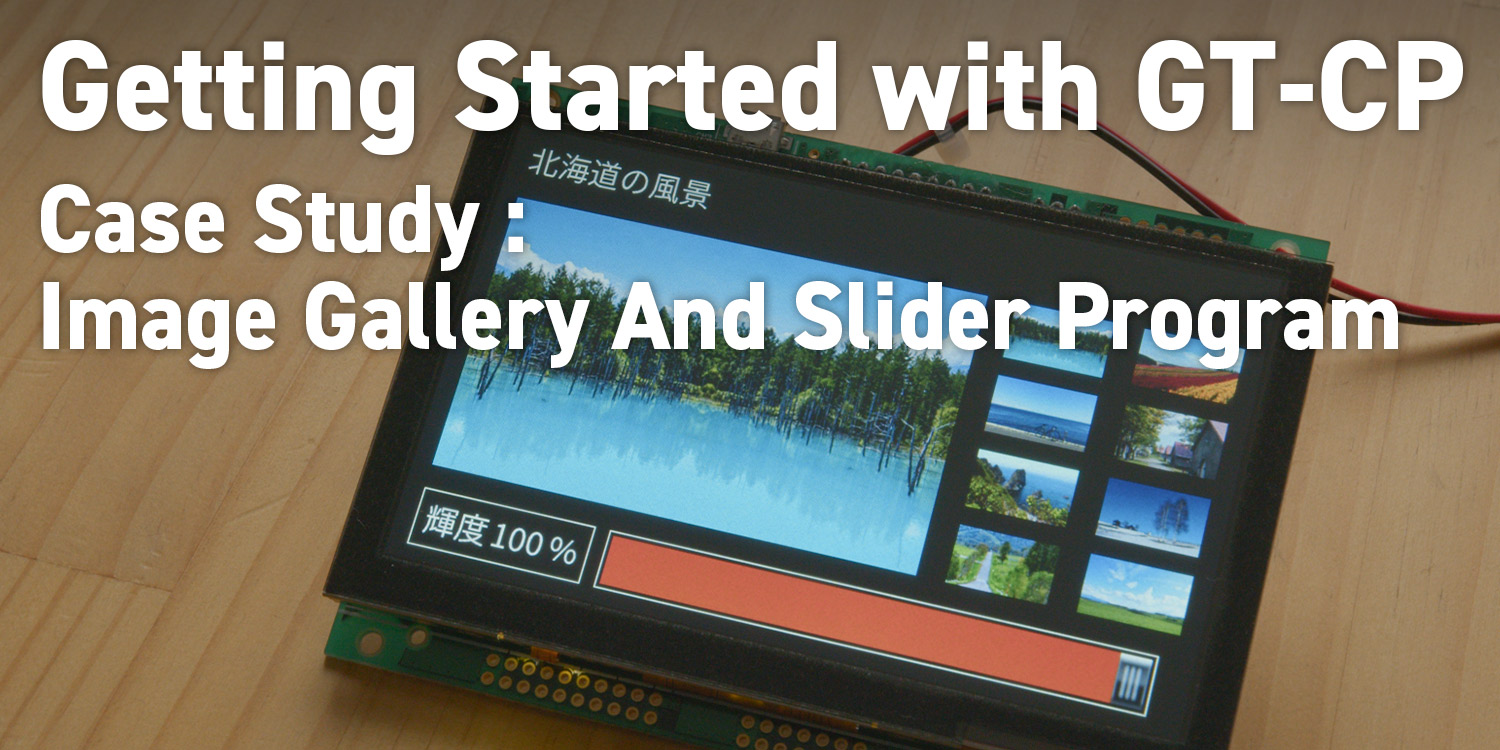
Getting Started with GT-CP | Case Study : Image Gallery And Slider Program
11/12/2022 Getting Started with GT-CP
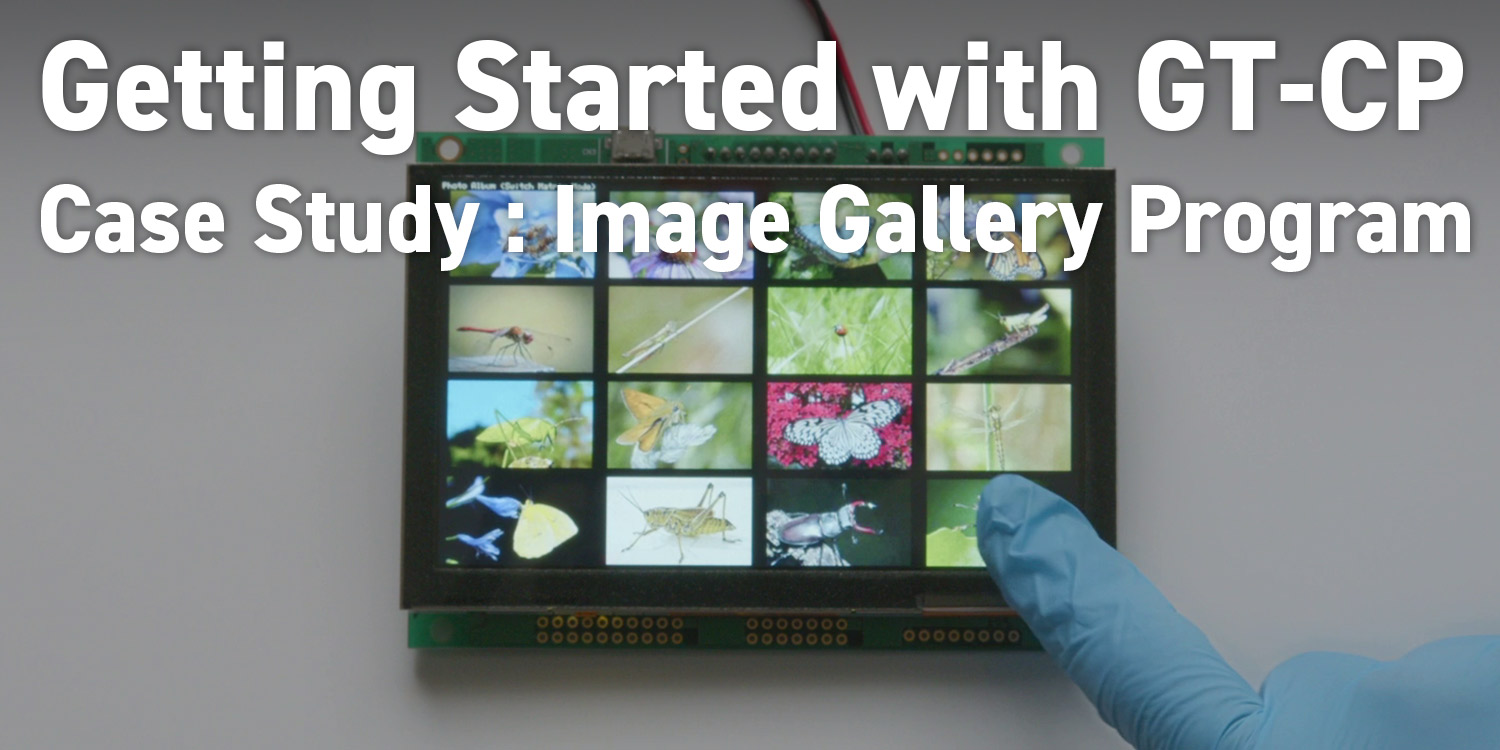
Getting Started with GT-CP | Case Study : Image Gallery Program
11/12/2022 Getting Started with GT-CP
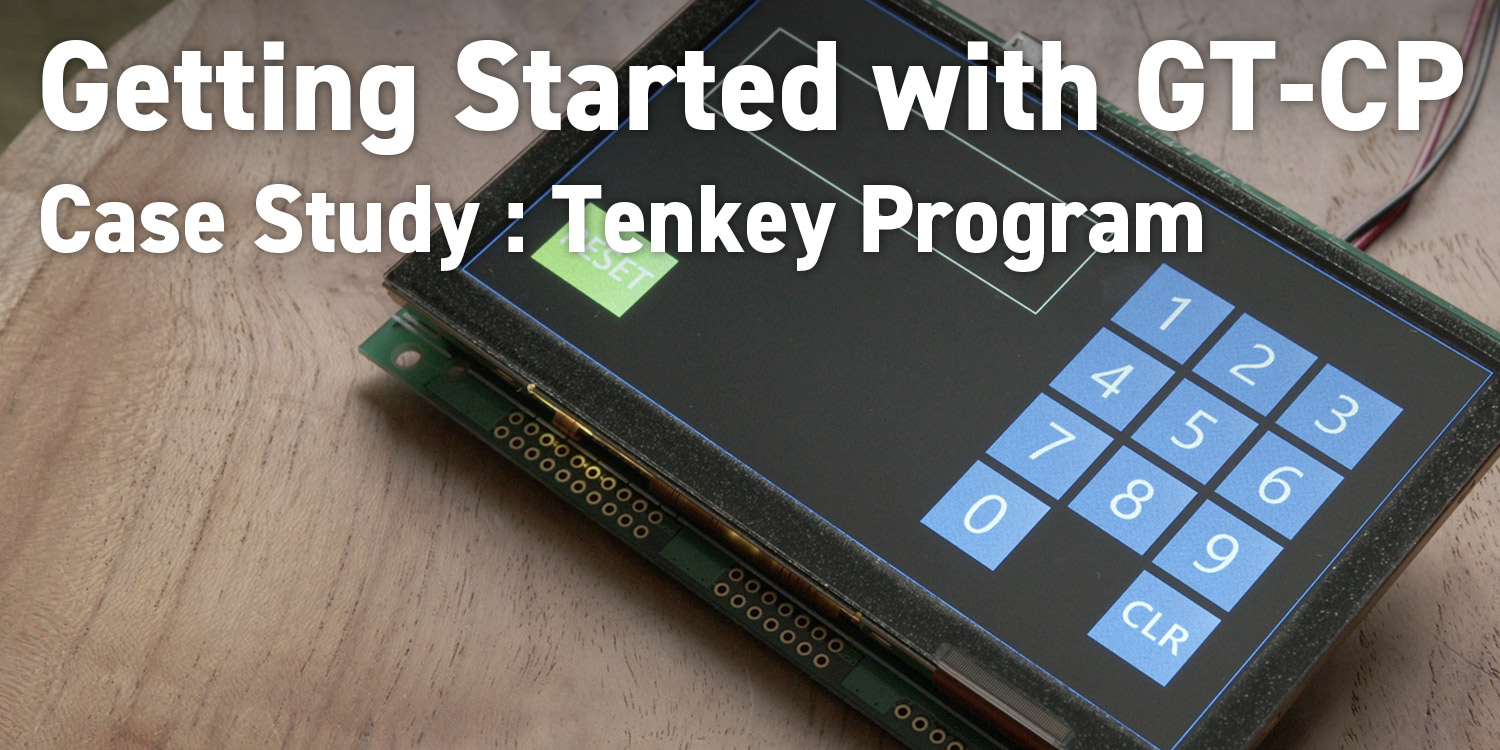
Getting Started with GT-CP | Case Study : Tenkey Program
06/29/2022 Getting Started with GT-CP
Getting Started with GT-CP | GTOMP Sample Image Menu : Use Sample Program
05/23/2022 Getting Started with GT-CP
Getting Started with GT-CP | Step 8. Three control methods for GT-CP
05/04/2022 Getting Started with GT-CP
Getting Started with GT-CP | Step 7. Connecting to a Host Controller
04/15/2022 Getting Started with GT-CP
Getting Started with GT-CP | Step 6. Adjust the Touch Sensitivity for Various Cases
03/31/2022 Getting Started with GT-CP
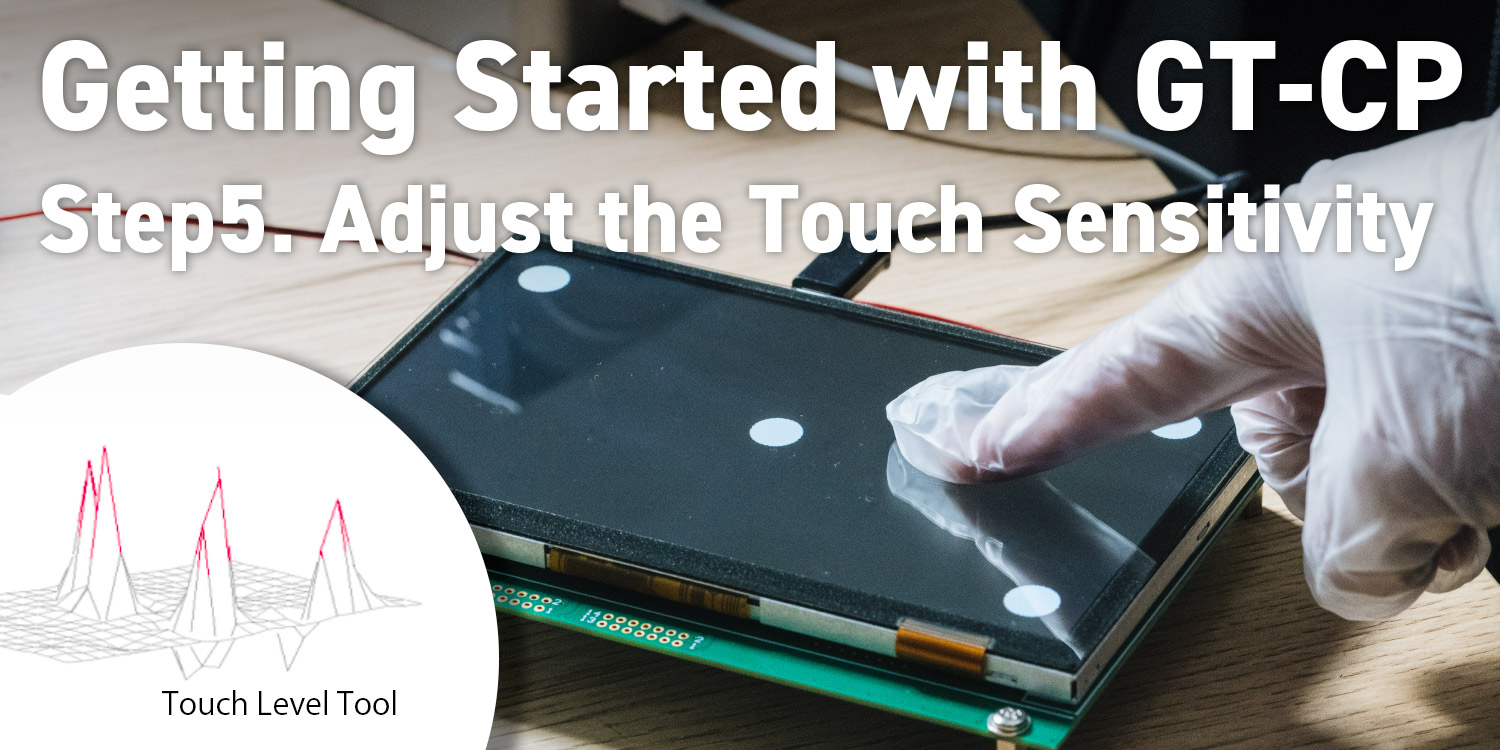
Getting Started with GT-CP | Step 5. Adjust the Touch Sensitivity
03/03/2022 Getting Started with GT-CP
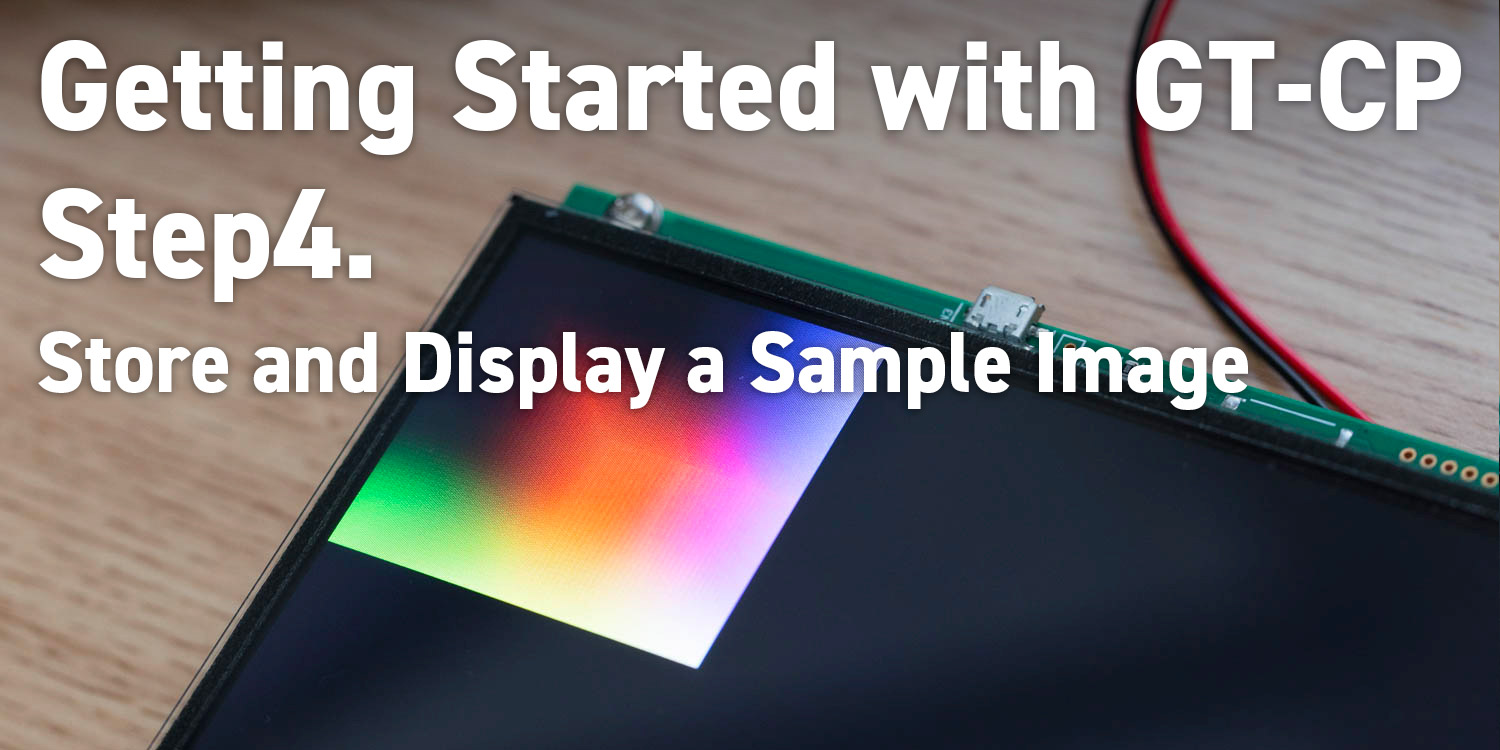
Getting Started with GT-CP | Step 4. Store and Display a Sample Image
02/11/2022 Getting Started with GT-CP
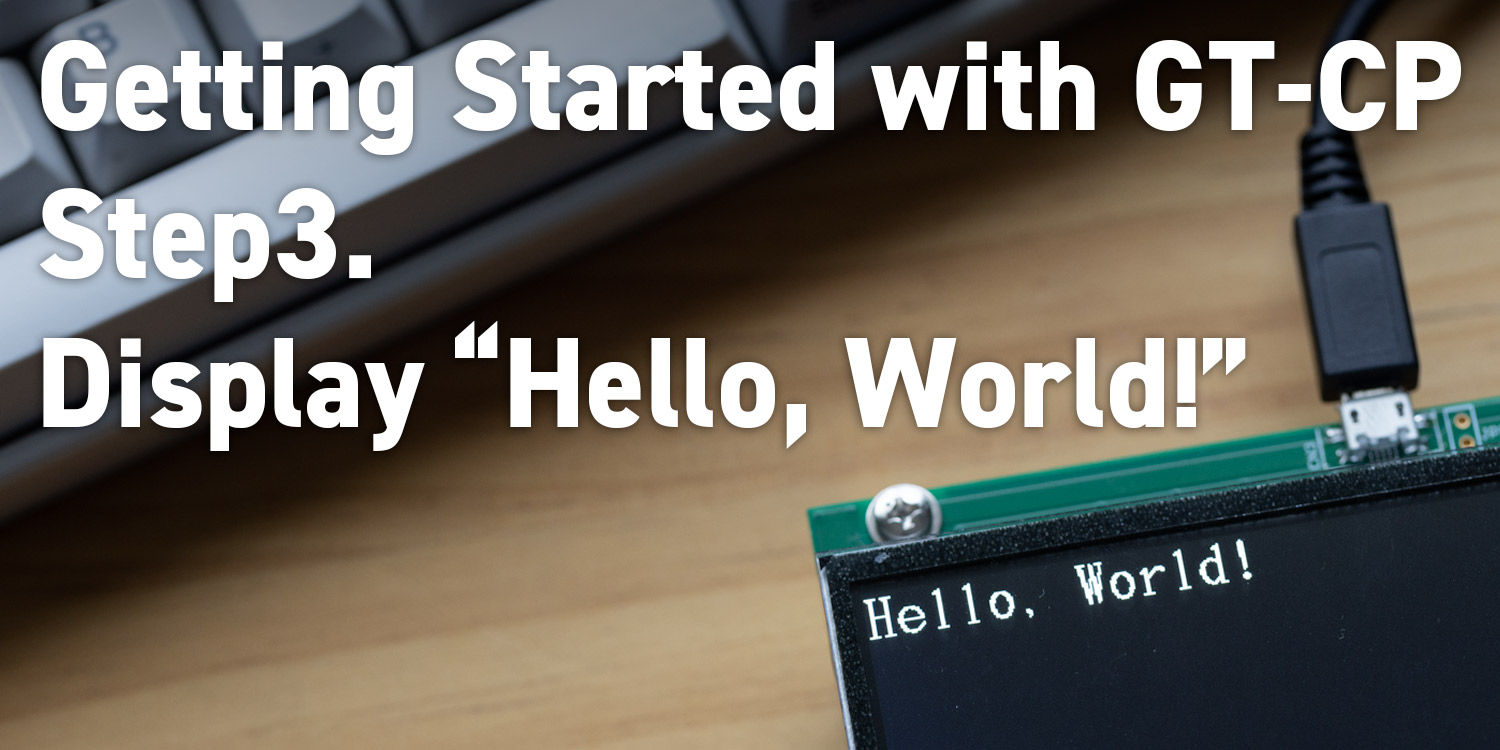
Getting Started with GT-CP | Step 3. Display “Hello, World!”